MKE 4 Dashboard#
The MKE 4 Dashboard add-on provides a web UI that you can use to manage Kubernetes resources:
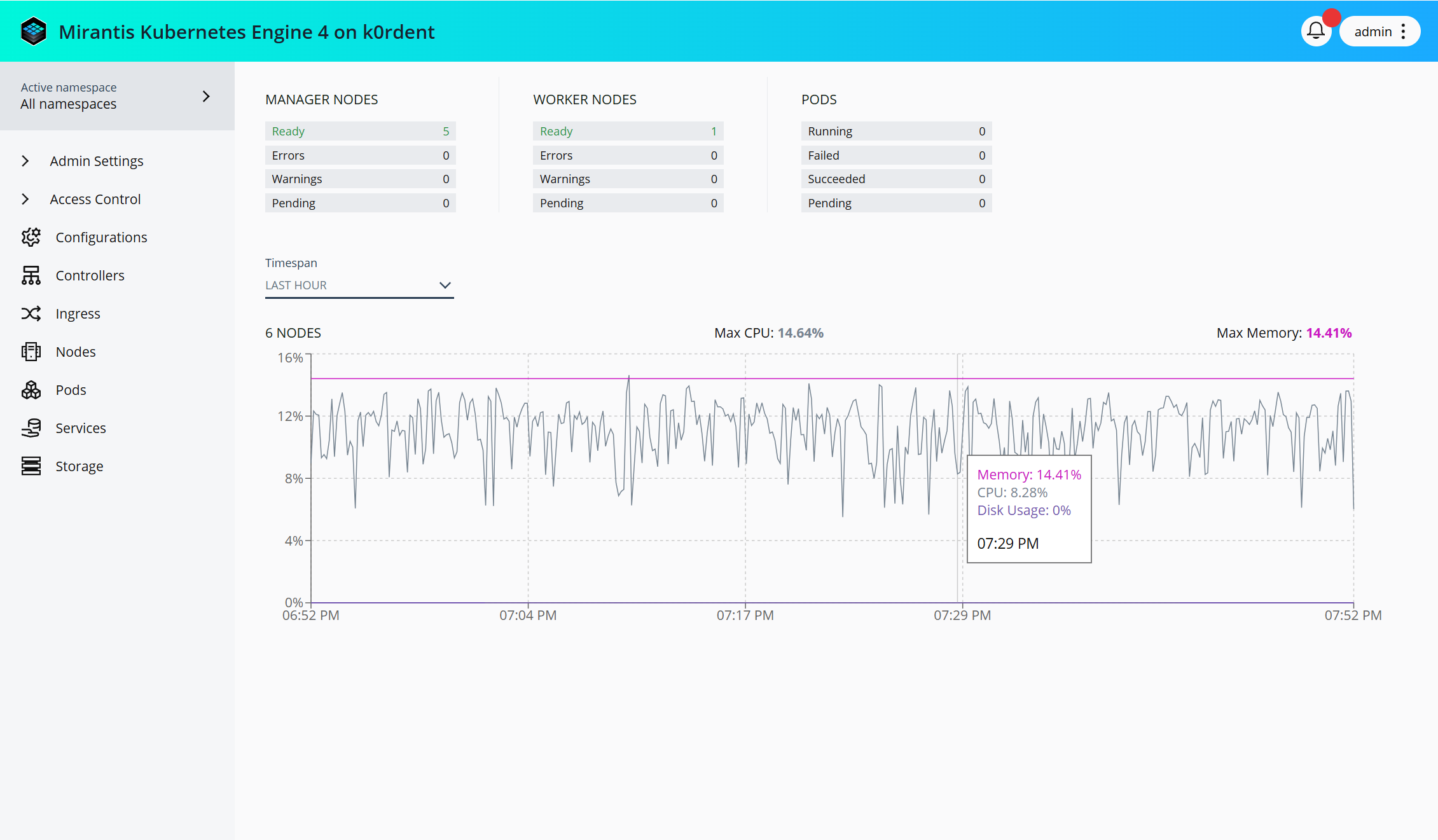
Access the MKE 4 Dashboard#
As the MKE 4 Dashboard is enabled by default, you can access it easily by navigating to the address of the load balancer endpoint from a freshly installed cluster.
Important
Verify that the external address for MKE 4 is set in the
apiServer.externalAddress field of the mke4.yaml configuration file. The
external address is the domain name of the load balancer configured as
described in System Requirements: Load
balancer.
Note
Node read access is not granted to authenticated users by default. Thus, a
non-admin user cannot view cluster nodes — for example, the Nodes panel
does not populate — until an administrator grants the mke-viewer-role
ClusterRole, as described in Grant node read
access.
Access the MKE Live API documentation#
The MKE 4 Dashboard links to live API documentation that your cluster serves directly. You can uses this documentation to review the endpoints, parameters, and schemas of the API that manages MKE 4 users, organizations, teams, grants, and LDAP integration.
To open the live API documentation:
- Log in to the MKE 4 Dashboard.
- In the top-right corner, click your user name to open the user menu.
- Click MKE Live API Documentation.
The API documentation opens at https://<external-address>/api/auth/v1/docs,
where <external-address> is the value of the apiServer.externalAddress
field in the mke4.yaml configuration file.
The live API documentation, titled Dex HTTP API, covers the following endpoint groups:
| Endpoint group | Paths | Covers |
|---|---|---|
| Local users | /users, /users/verify, /users/{email} |
Local user accounts |
| Grants | /accounts/grants and subpaths |
RBAC grants by user, team, organization, or group, with or without a role |
| Organizations and teams | /accounts/orgs and /accounts/teams and subpaths |
Organizations, teams, team members, and team groups |
| LDAP | /accounts/ldap and subpaths |
LDAP groups, LDAP group members, and team synchronization |
Note
The live API documentation reflects the API version that runs on your cluster. For the published API reference, refer to API specification.