Apply an MKE 4 license following installation#
Warning
You must have a valid license to lawfully run MKE 4. For more information, refer to Mirantis Agreements and Terms.
If you did not set your MKE 4 license in the MKE 4 configuration file prior to installation, you can use the MKE 4 Dashboard to apply the license:
- Log in to the MKE 4 Dashboard with an administrator account.
- In the left-side navigation panel, navigate to Admin Settings -> License.
-
Insert the license into the license key field. To do this, click Choose File and navigate to the
.licfile you previously downloaded. Alternately, you can copy-paste the contents of the.licfile into the field as a text string: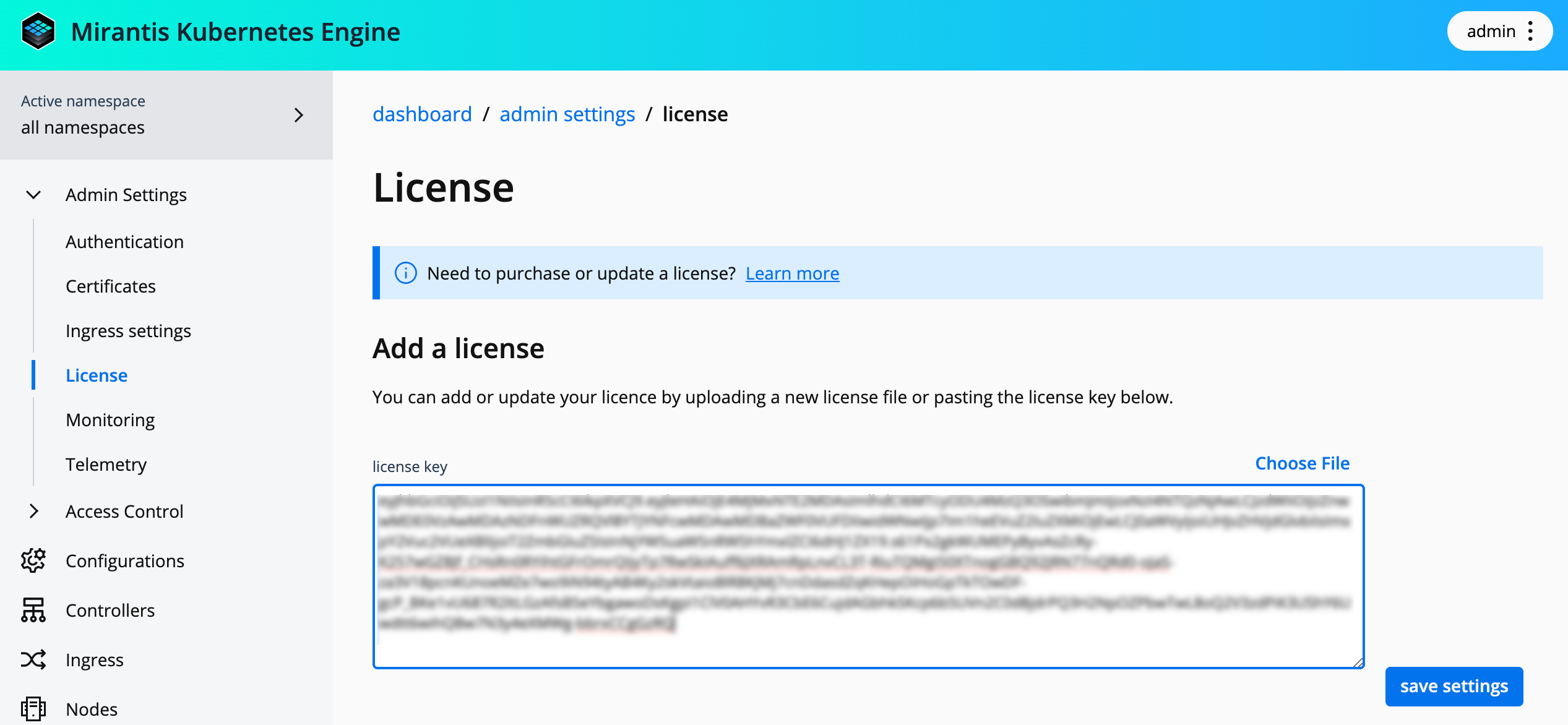 ×
×
-
Click Save settings to update the MKE 4 license.